Adyen API Key
If you are using Forter's Chargeback Recovery service or Coverage for Fraud Management, please set up an API key.
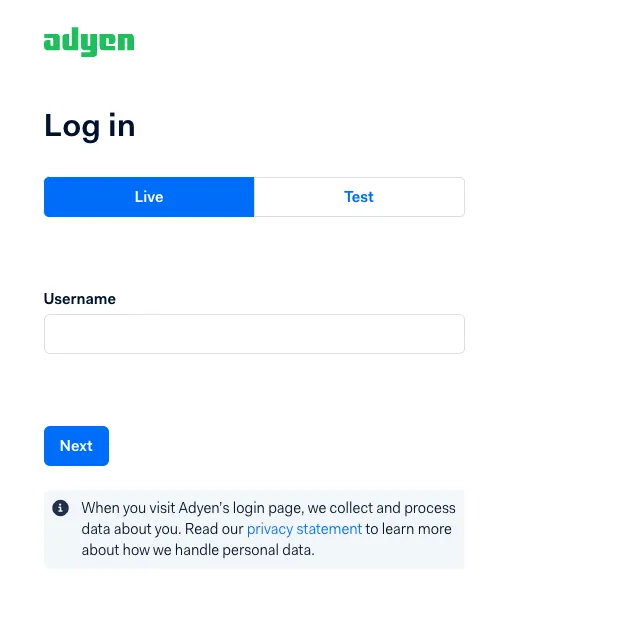
Log into the Adyen Portal
Log into the Adyen chargeback portal: https://ca-live.adyen.com/ca/ca/login.shtml
Be sure to log in to your "Live" account to access your production instance.
Create Credential
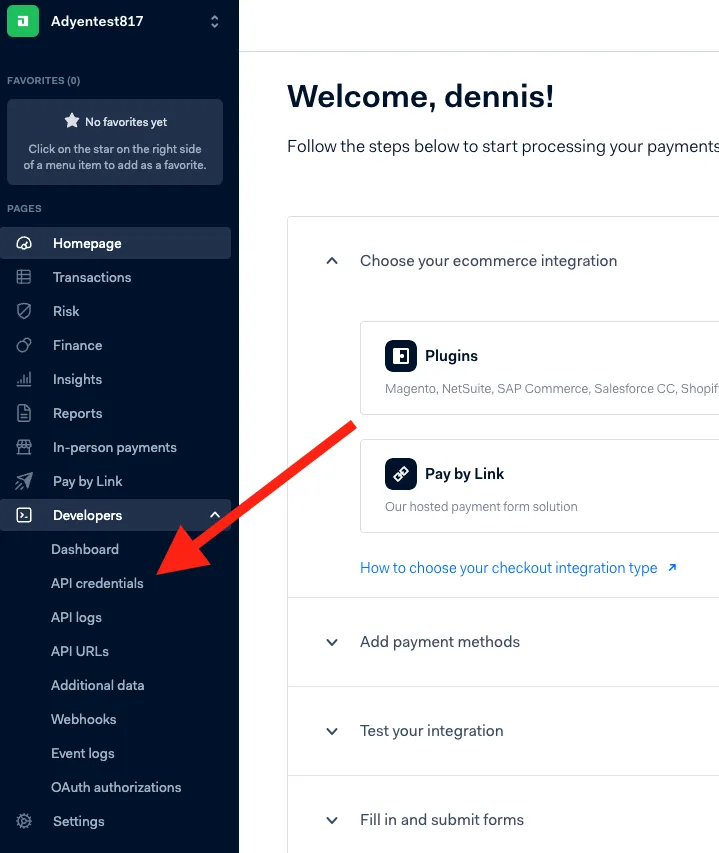
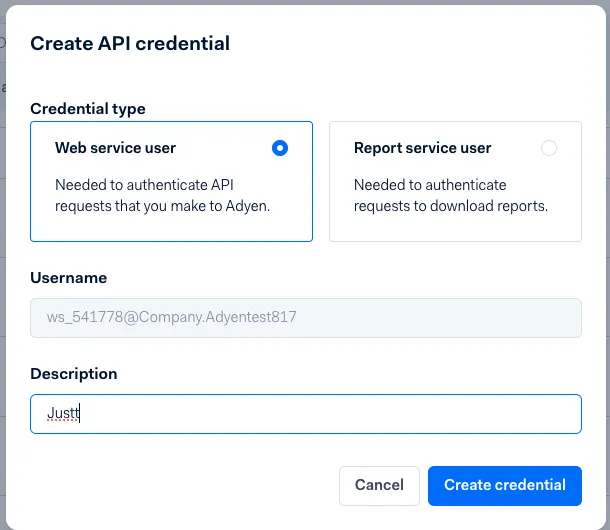
Go to Developers > API Credentials. In the upper right corner, click on Create new credential button. Choose Web Service user and click on Create Credential.
Settings
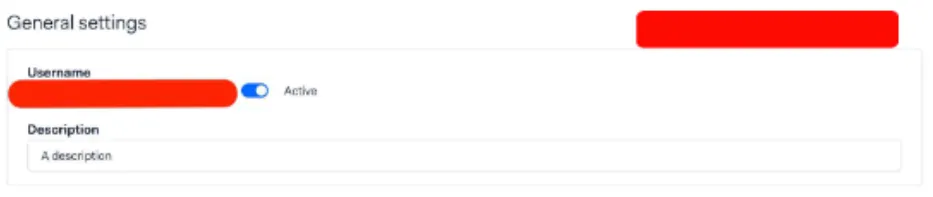
In General Settings, make sure the username is Active. Additionally, use "Forter Disputes User" as the Description/Naming Convention.
Copy Merchant Account Code
Navigate to Merchant Accounts and copy the Account Code shown in a .txt file
Generate API Key and share with Forter
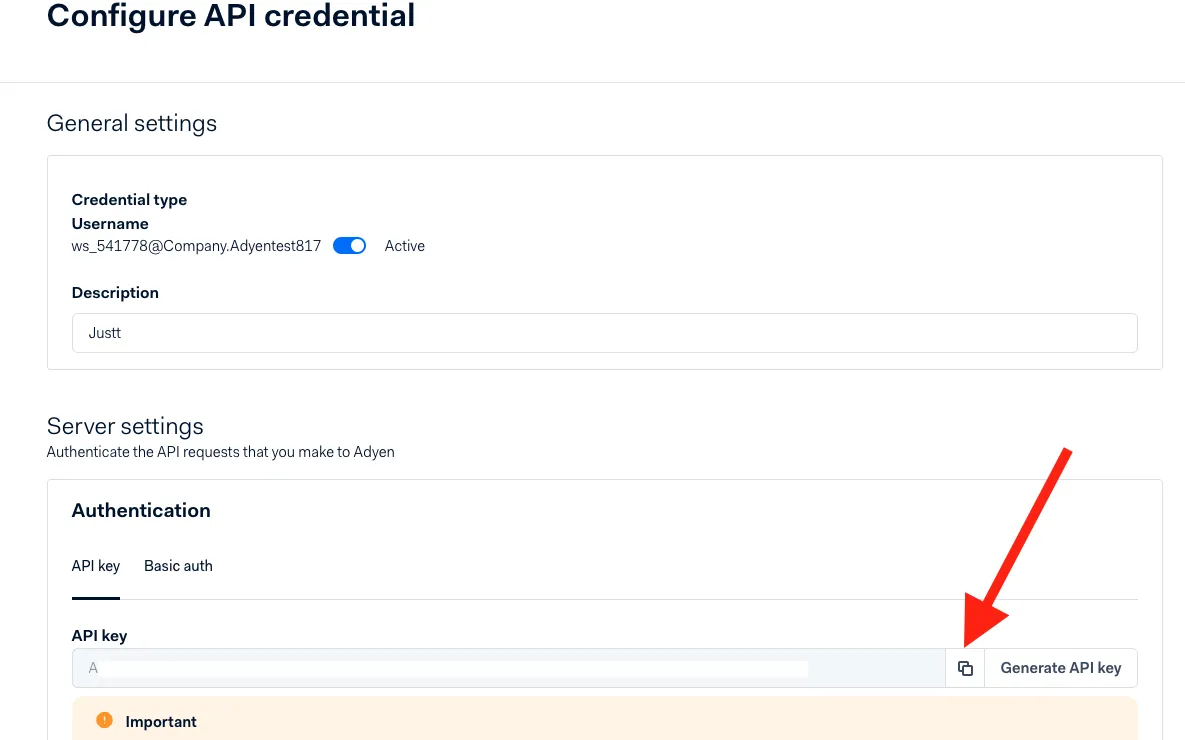
In Server Settings, click Generate API Key.
Copy and send the API Key & the Account Code (from the previous step) as .txt file to Forter via secure S3 bucket transfer. Ensure the credentials are saved under the file naming convention "JCBR-MerchantName-processorName" where processorName is a placeholder for which processor these keys are for (ex. "JCBR-MerchantName-Adyen")
Set Permissions
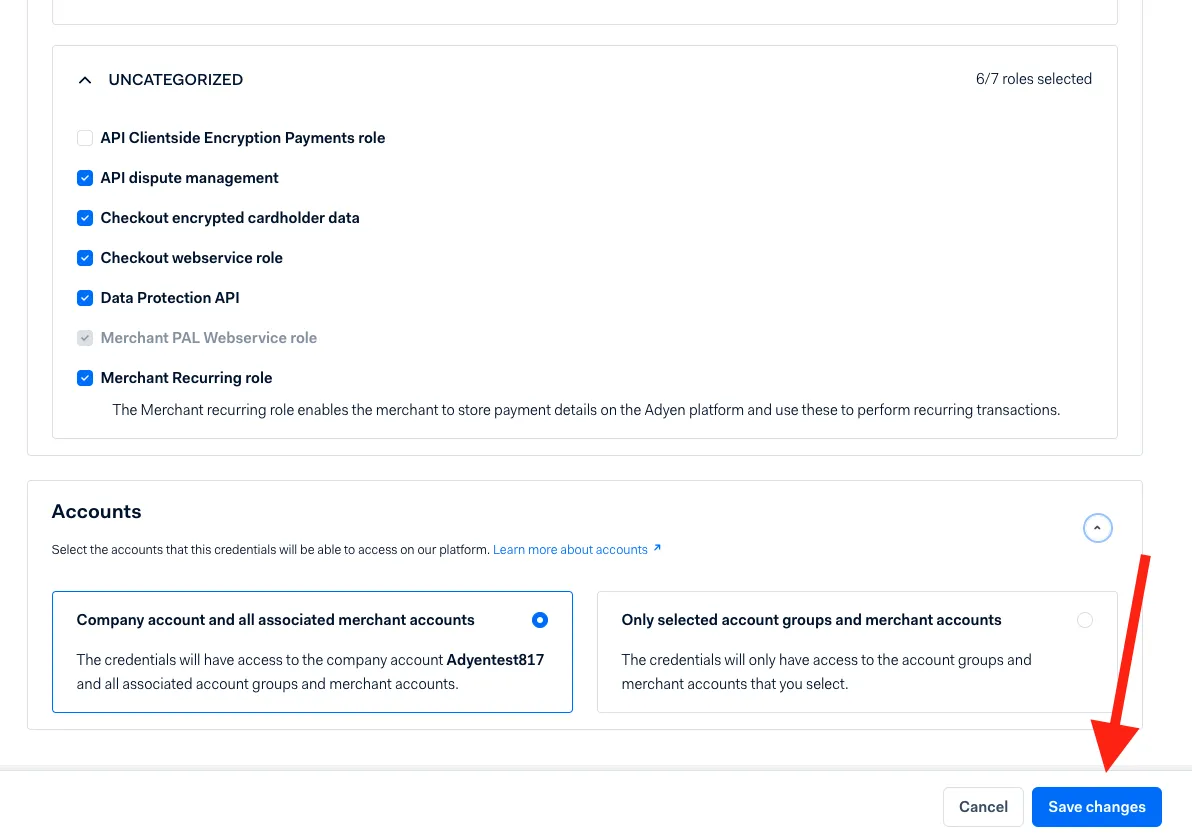
Under UNCATEGORIZED, Check 'API dispute management'. Note: If the role is not available, please contact Adyen support and ask them to add it. Save changes.